
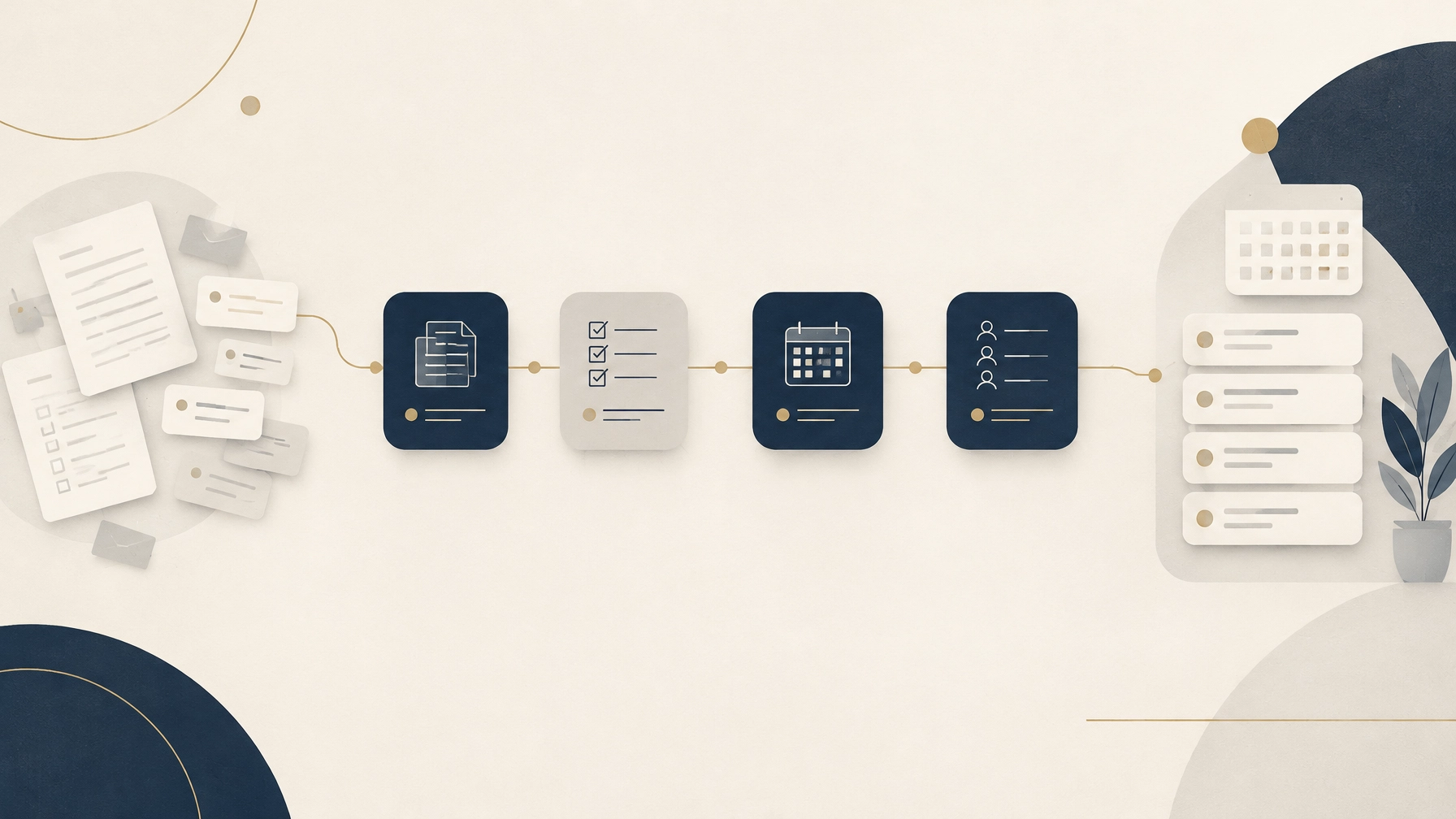
Front desk automation can help a behavioral health practice reduce repetitive administrative work, but it should not make judgment calls for staff. Quick answer: Start with intake reminders, pre-visit information collection, appointment reminders, inquiry routing, expiration alerts, task assignments, and staff access to current procedures. Keep complex benefit interpretation, sensitive cost conversations, and distressed or crisis-adjacent patient interactions in human hands.
A practice can look healthy from the outside: a full schedule, providers seeing patients, and front-desk staff working hard. But behind the scenes, the phone keeps ringing. Staff chase missing forms, try to call patients back between check-ins, and juggle authorization dates in a spreadsheet. Benefits get checked late, and a new patient may wait too long for a response.
Then a preventable denial arrives, or a prospective patient books elsewhere because nobody got back to them. It is easy to call that a staffing problem. Often, the deeper problem is task design: repetitive work is crowding out the exceptions that need a person.
What should a behavioral health practice automate first?
A useful rule is to automate a task, not a judgment. Repetitive, rules-based, high-volume tasks are often good candidates. Work that requires interpretation, empathy, or clinical judgment should stay with a qualified person.
Automation can support a well-designed patient access workflow, but it cannot replace staff, verify benefits on its own, guarantee coverage, or approve an authorization. As a Patient Access leader with more than 20 years of hospital experience and more than 10 years in healthcare leadership, I have seen technology work best when it supports a clear process. The workflow comes first.
1. New patient intake packet delivery and reminder follow-ups
Send the right packet after a new appointment is requested, then remind patients about incomplete forms using approved channels. Set a clear cutoff for staff follow-up so missing paperwork does not disappear into an inbox.
2. Insurance card and demographic collection before the visit
Prompt patients to submit current insurance-card images and confirm demographic details before their appointment. This helps staff prepare for review, but collecting a card is not the same as checking eligibility or confirming benefits. For the human review steps, see our behavioral health insurance verification checklist.
3. Appointment reminders and rescheduling requests
Send standard reminders and give patients a way to request a reschedule. Route requests outside approved scheduling rules, such as an unusual appointment type or a provider match that has not been confirmed, to staff.
4. New patient inquiry responses and callback routing
Use practice-approved answers for routine questions about hours, forms, and next steps. Route questions that are unclear, clinical, or outside the approved information to a designated team member. A timely acknowledgment is helpful, but it should not promise an appointment or clinical fit that staff have not confirmed.
5. Authorization and credentialing expiration reminders
Use a tracked calendar to remind the assigned staff member about authorization end dates, reauthorization deadlines, and credentialing or enrollment milestones. An alert is only useful if it has an owner and a next step. For context, see our guide to behavioral health credentialing delays.
6. Verification and authorization task queues with due dates
Create queues that show which patient-access tasks need attention, who owns each one, and when follow-up is due. The queue organizes the work; a qualified staff member still reviews benefit details, payer responses, and authorization requirements. Our article on AI and insurance verification explains where technology may assist and where human review remains important.
7. Internal SOP and Patient Access Playbook lookup
Give staff a reliable way to find current procedures for intake, escalation, verification, and authorization tracking. An internal knowledge tool should return approved guidance, show when information was last updated, and direct staff to a person when a procedure does not fit the situation.

Which front-desk tasks should stay human?
Automation should not take over conversations that depend on context, discretion, or empathy.
1. Interpreting unclear or contradictory benefits
A tool may organize payer information or flag a discrepancy. When the response is incomplete, conflicting, or hard to interpret, a trained staff member should confirm it through the appropriate payer process and explain what is known without promising coverage.
2. Discussing costs, hardship, or self-pay arrangements
A person should handle conversations about expected costs, financial hardship, and self-pay options. These discussions can affect a patient’s choices and access to care. Follow the practice’s written financial policies, use clear language, and allow patients to ask questions.
3. Responding to distressed, confused, or crisis-adjacent patients
These interactions require an established human escalation path. Automation must not diagnose, assess risk on its own, or decide what care a patient needs. It should connect the patient to trained staff using the practice’s approved procedures.
What questions should a front desk never answer alone?
When a question needs clinical judgment, promises an outcome, involves privacy, or falls outside an approved workflow, pause and route it to the right person. Examples include:
- “What do you think my symptoms mean?”
- “Do I have a specific diagnosis?”
- “Should I stop or change my medication?”
- “Can you tell me what dose to take?”
- “Is this medication side effect dangerous?”
- “Am I covered for this appointment?”
- “Can you guarantee what I’ll owe?”
- “Will insurance pay for this treatment?”
- “Can you promise my authorization will be approved?”
- “Can I get treatment without an authorization?”
- “Can you make an exception to the practice’s cost policy?”
- “Can I pay later because I’m having a hardship?”
- “I might hurt myself. What should I do?”
- “I’m afraid I might hurt someone. Can you help?”
- “I don’t feel safe right now. What happens next?”
- “Can you tell me what to do in this emergency?”
- “Can you resolve this complaint or decide who was at fault?”
- “Can you send my information to this person?”
- “Can you tell me whether this provider is available at a time that hasn’t been confirmed?”
- “Can you promise I’ll be matched with a particular clinician?”
These are examples, not a complete crisis or privacy protocol. Practices should define who receives each escalation, how quickly, and what staff do if the assigned person is unavailable.
How should a practice sequence front desk automation?
Fix the workflow first, then automate the task. Automating a broken process just produces faster errors.
Start by writing down who does the task, what information they need, what counts as complete, and what should happen when something is unclear. Test the process manually, then automate a narrow, repeatable step. Keep a visible human handoff for exceptions, and review the first results with staff before expanding.
For any tool that handles protected health information, assess privacy and security before use. Confirm whether a business associate agreement (BAA) is needed and in place, limit access by role, and define escalation procedures for privacy concerns, uncertain responses, and urgent patient messages. HHS provides guidance on business associates and HIPAA risk analysis. A vendor’s assurances alone do not replace the practice’s own review and safeguards.
How can you tell whether automation is working?
Track practical measures before and after a workflow changes:
- Missed calls and requests awaiting a callback
- Incomplete intake packets before appointments
- Expired authorizations identified late
- Staff time spent on repetitive follow-ups
- Tasks overdue or missing a clear owner
These are measures to watch, not promised outcomes. Review them with the people doing the work. If a task becomes harder to correct, more confusing for patients, or less safe, adjust the process.
Almonord AI Solutions supports behavioral health practices as a Fractional Patient Access Director, with front-end work that includes insurance and benefit verification, prior authorization, credentialing and payer enrollment, denial prevention, and front-desk SOPs and training. We focus on patient access before claims go out, not back-end billing or marketing. For a practical review of where your workflow may need attention, book a free Revenue Leak Audit at almonordaisolutions.com.
Frequently asked questions
What should a behavioral health practice automate first?
Start with repetitive administrative tasks such as intake reminders, pre-visit information collection, appointment reminders, inquiry routing, expiration alerts, task assignment, and staff lookup of current procedures.
Which front-desk tasks should stay human?
Keep unclear benefit interpretation, sensitive cost and hardship conversations, and interactions with distressed or crisis-adjacent patients with qualified staff.
Can front desk automation verify benefits or guarantee coverage?
No, automation can organize tasks and information, but it should not independently verify benefits or guarantee coverage.
What should a practice do before automating a front-desk task?
Document and test the workflow first, define ownership and exception handling, then automate a narrow, repeatable task with human oversight.
What privacy safeguards should a practice review for automation tools?
Review whether a BAA is required, use role-based access controls, and establish clear human escalation procedures for privacy concerns and uncertain or urgent messages.
Prevention First. Not Damage Control.
This article is for informational purposes only and is not medical, legal, or compliance advice.